Art styles
Pick a look. Every shot keeps it.
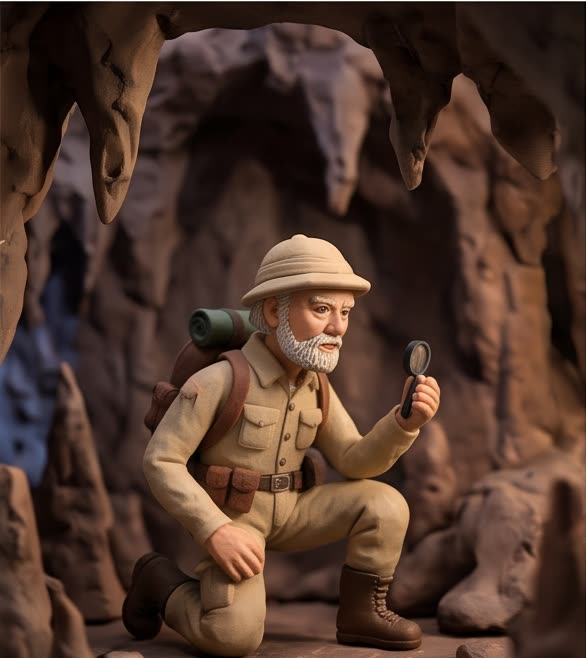
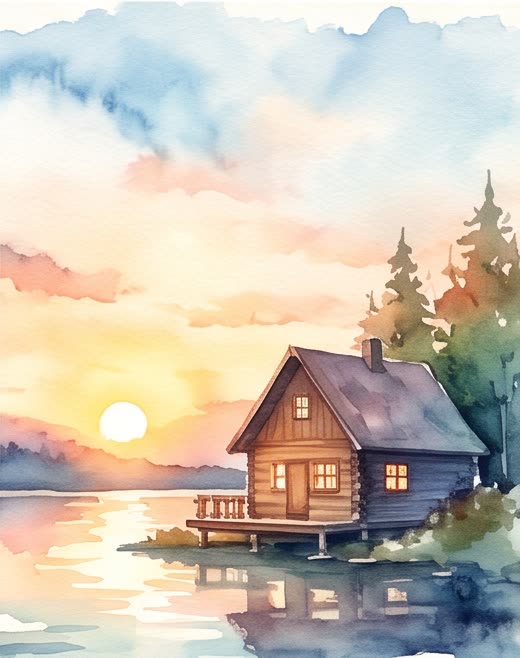
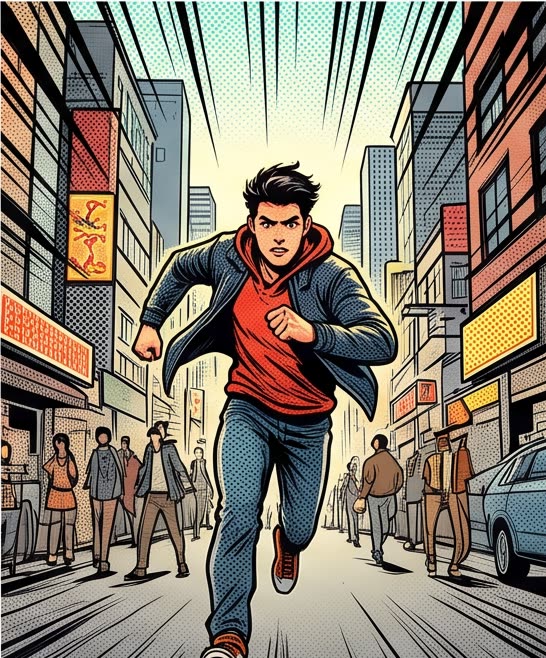
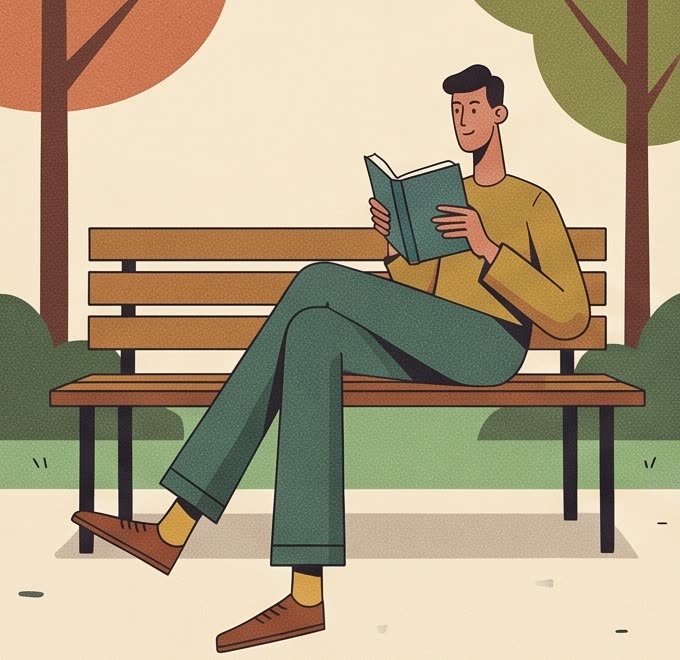
Ten art styles, from cinematic realism to claymation, chosen with one tap. The style is applied to every shot, so a video, or a whole series, holds together.
How it works
4 steps, start to finish
Pick a style
Each one has a sample, so you see the look before you choose.
Describe the video
Write what happens. The style takes care of how it looks.
Every shot follows
The style is part of every shot's prompt, not just the first.
Keep it for a series
A series uses one style throughout, portraits included.
What you control
Every choice that costs money is yours
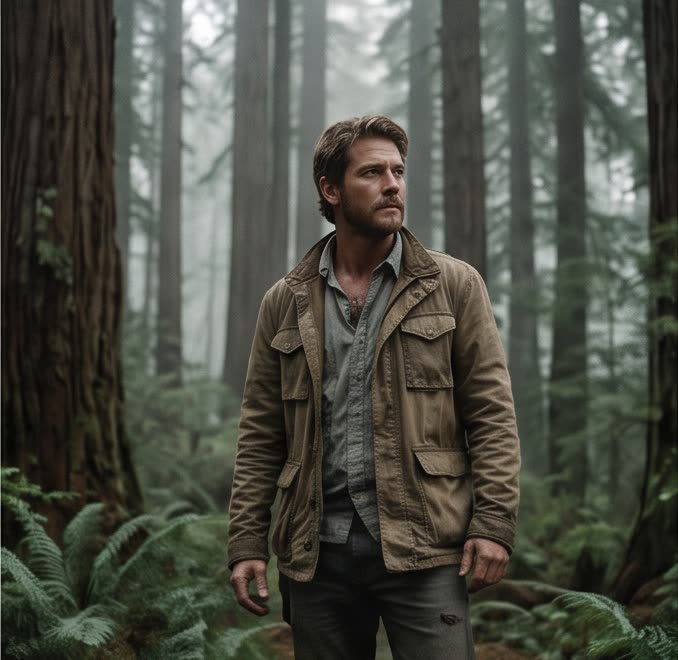
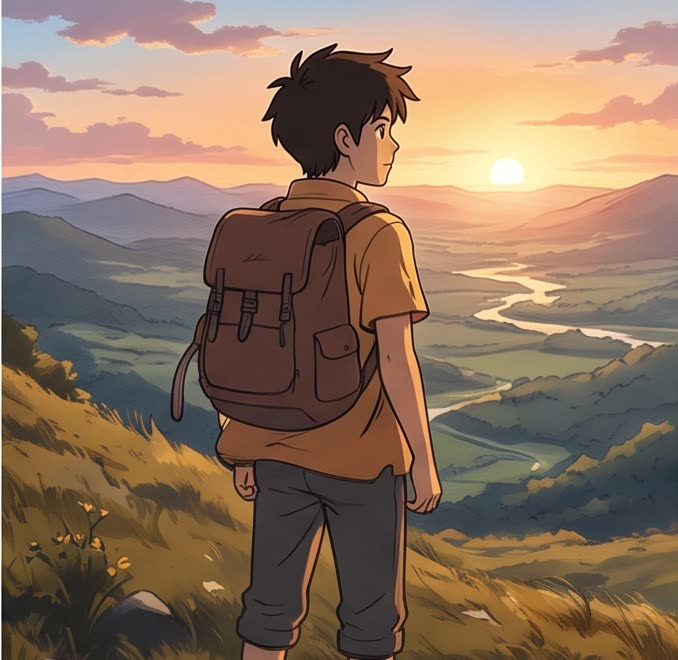
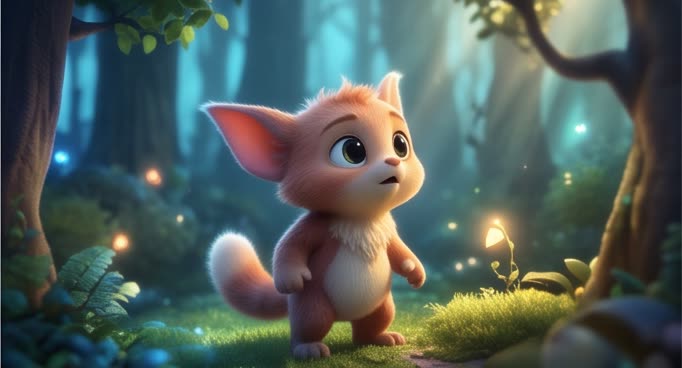
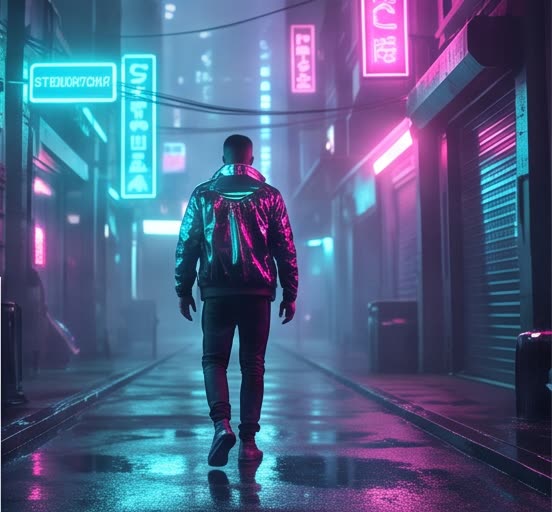
Cinematic, anime, 3D, cyberpunk, claymation, watercolor and more.
Change the style from one video to the next.
Locked for the whole series, so episodes match.
Stills and first frames follow the same style.
Add an image to hold a face or a place alongside the style.
A style costs nothing on top of the generation.
Styles are free. You pay for the generation at the model's rate, the same with or without a style.
See ratesThe ten styles
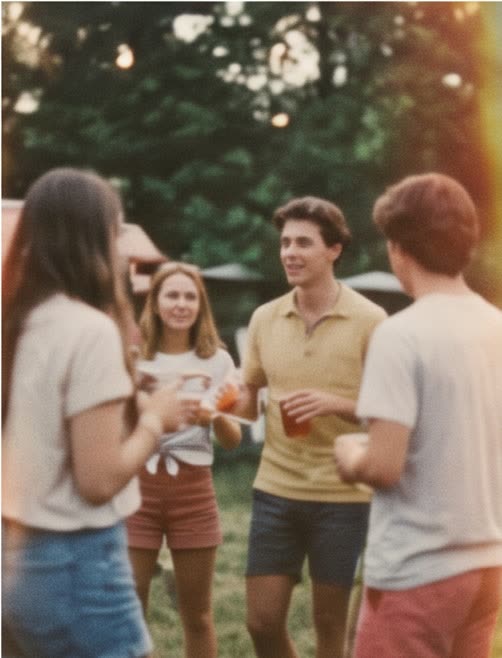
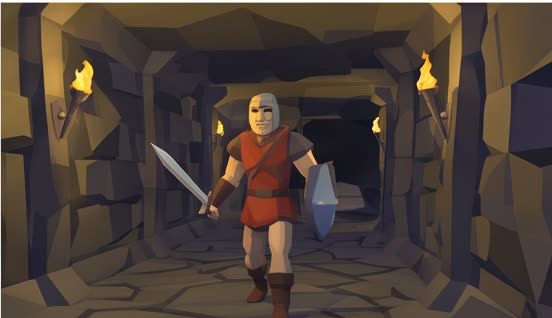
Every style, with a sample
Questions, answered
Can AI video keep the same style across every shot?
Yes. The style you pick is part of every shot's prompt, so the whole video keeps one look.
Can I make an anime-style video with AI?
Pick Anime / 2D Cel and describe the video. Every shot is generated in that style.
Does a style cost extra?
No. You pay for the generation, and the style is included.